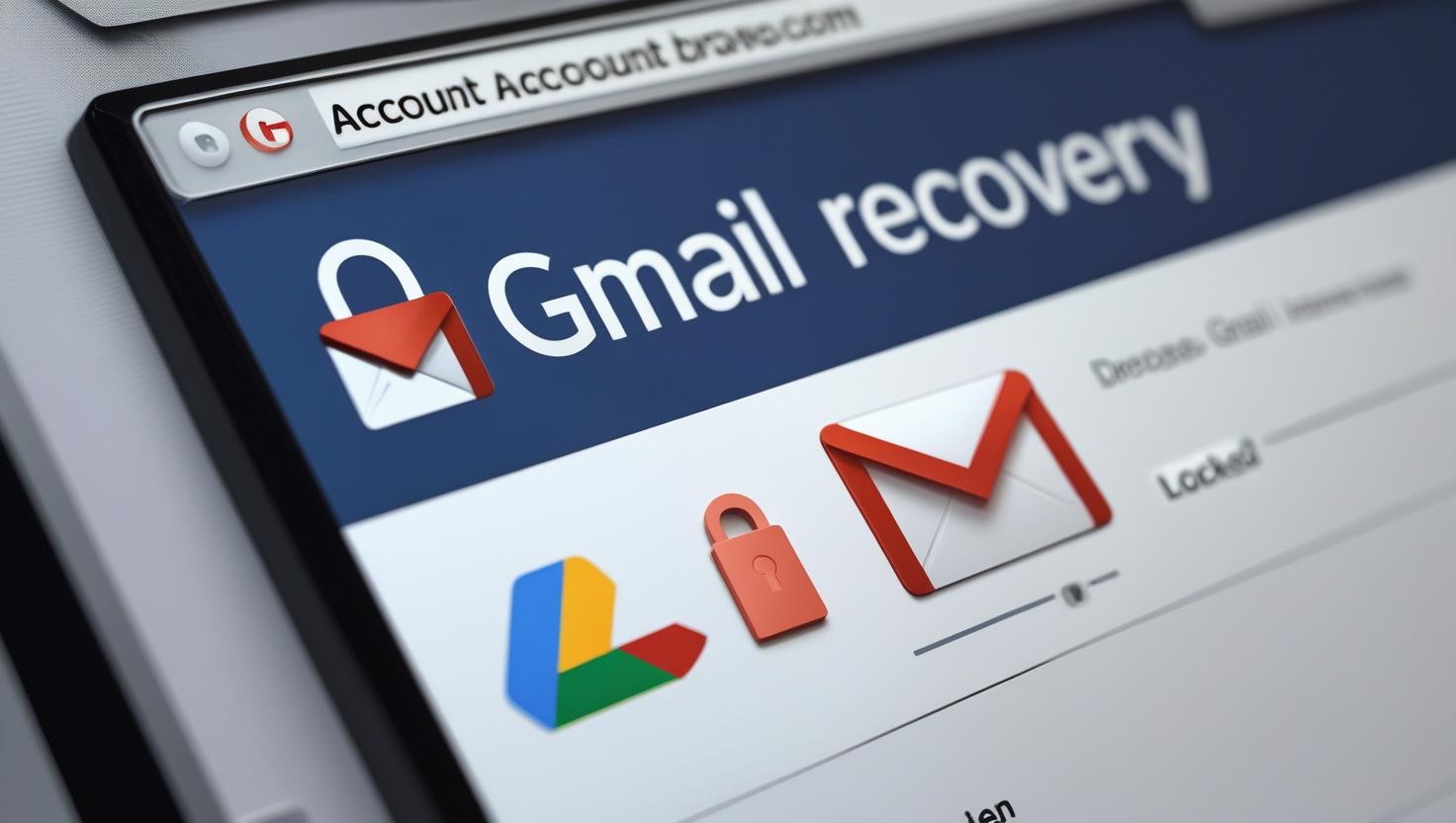
How to Handle a Hacked Gmail Account (2026 Recovery Guide)
👀 Has your Gmail been acting strange lately? Unexpected password changes? Suspicious login alerts? You may have been hacked.
In this step-by-step 2026 Gmail recovery guide, you’ll learn exactly how to handle a hacked Gmail account—from regaining access to securing your data and preventing future breaches.
🔐 Step 1: Confirm if Your Gmail Account Is Really Hacked
Before taking drastic measures, look for these signs:
You’re locked out of your Gmail account.
You receive password reset emails you didn’t request.
Your “Sent” folder has emails you didn’t send.
Friends report receiving strange messages from you.
Secure your Gmail now. Your digital life depends on it.
FAQ: How to Handle a Hacked Gmail Account
What should I do if my Gmail is hacked but I still have access?
If you still have access to your hacked Gmail account, immediately change your password, turn on 2-Step Verification (2FA), and review all recent activity for anything suspicious.
How can I recover a Gmail account I’m locked out of?
Use Google’s official Account Recovery page. You’ll need to verify ownership using your recovery phone number or email. This is the fastest way to reclaim a hacked Gmail account.
Will Google notify me if someone logs in from another device?
Yes. Google alerts you via email and push notifications whenever it detects a new or suspicious login on your account, helping you act fast to secure your Gmail.
Can hackers get into other accounts if they hack my Gmail?
Absolutely. A hacked Gmail account can be a gateway to your social media, banking, and other linked services. Change all associated passwords immediately to avoid cascading breaches.
Final Thoughts:
A hacked Gmail account isn’t just an inconvenience—it’s a serious breach of your digital identity. From banking access to personal conversations, your Gmail is the gateway to everything online. That’s why immediate recovery isn’t enough. You need to treat it like a full-scale security incident: reset all linked accounts, enable 2FA, clean up your device, and stay vigilant.
In 2026, cyber threats are more sophisticated than ever, but so are your defenses—if you use them. Whether it’s phishing-proof habits or proactive tools like HaveIBeenPwned and password managers, staying secure is no longer optional. It’s the new normal.
Take your Gmail security seriously. Because if your inbox is compromised, your entire digital life can unravel.






Your article helped me a lot, is there any more related content? Thanks! https://www.binance.info/register?ref=IHJUI7TF
Thanks for sharing. I read many of your blog posts, cool, your blog is very good. https://accounts.binance.com/register-person?ref=IHJUI7TF
I don’t think the title of your article matches the content lol. Just kidding, mainly because I had some doubts after reading the article.
Thanks for sharing. I read many of your blog posts, cool, your blog is very good.
Your article helped me a lot, is there any more related content? Thanks!